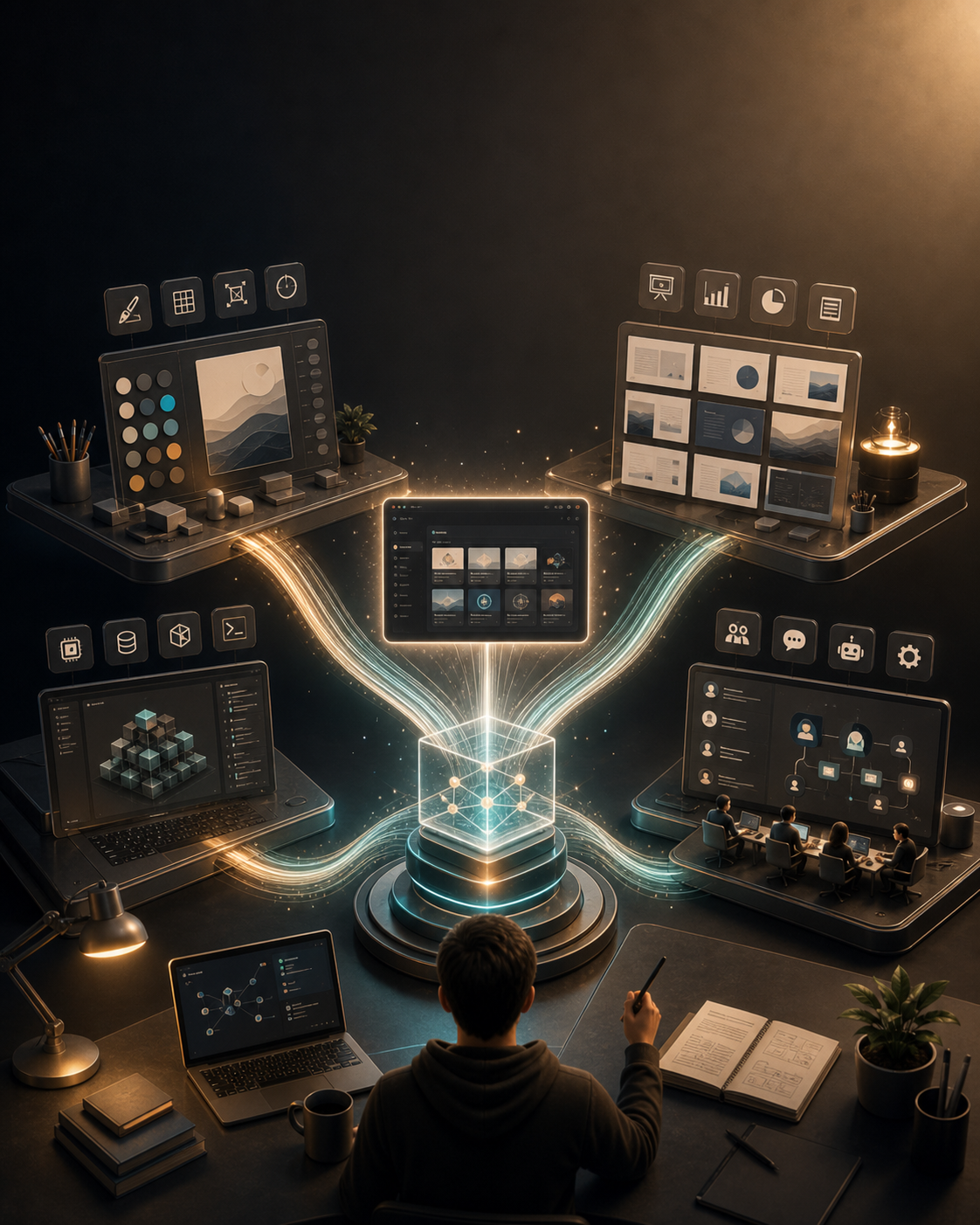
How design skills, checklists, local-first apps, and agent workbenches reveal a new indie development pattern.
Open Design looks like an 11-day build, but the more useful story is what sat underneath it: four small open-source projects turning irritation, taste, workflow, and team memory into reusable production systems.
READING MAP
Four projects. One emerging pattern.
01-Design as executable skill
huashu-design shows how design work can move from GUI habit into agent-callable workflows.
02-Judgment as checklists
guizang-ppt-skill turns taste into layouts, constraints, and validation scripts.
03-Control, not cloning
open-codesign reframes an AI design tool as local-first, BYOK, and multi-provider.
04-Agents as teammates
multica focuses on the collaboration layer where agents enter team workflows.
05-The pattern
Reuse, constraints, distribution, and machine-executable experience compound into speed.
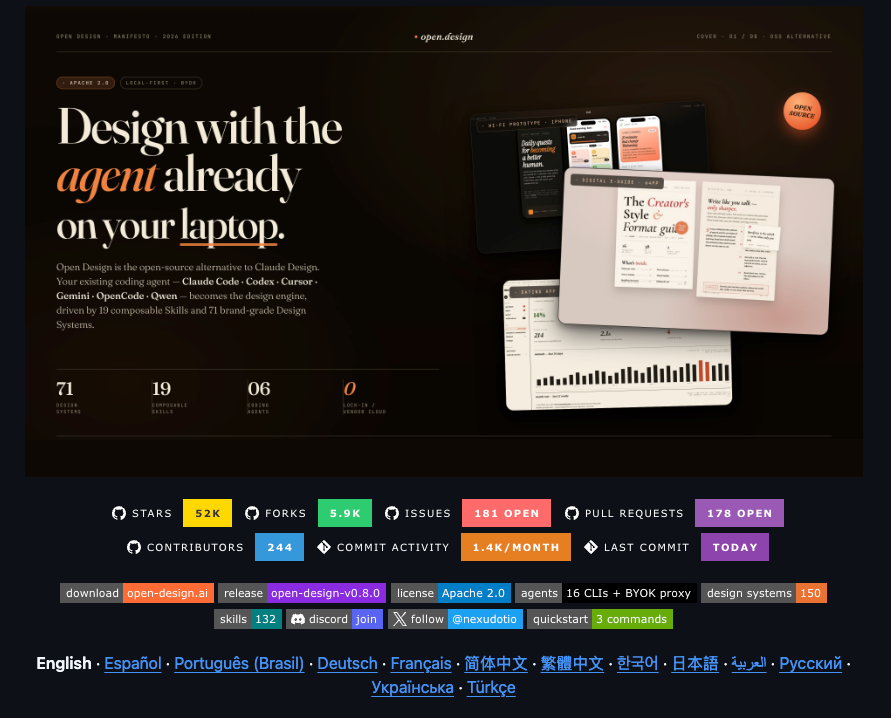
Open Design is easy to frame as a neat story: an open source alternative to Claude Design, built in 11 days.
That version is true enough, but it misses the more interesting part. Speed matters, but speed never comes from nowhere. Open Design is unusually clear about what it was built on: huashu-design’s design workflow and anti-slop checks, guizang-ppt-skill’s deck patterns and checklist culture, open-codesign’s interaction loop, sandbox preview and export ideas, and multica’s local daemon architecture and “agents as teammates” worldview.
In other words, Open Design did not appear out of thin air. It looks more like the result of several open source projects colliding in the same short window.
What interests me more is the four projects underneath it. They do not feel like the old startup path of writing a plan, pitching a story around it, and then building a product. In most cases, the starting point was much smaller and more concrete: someone did not want to open a GUI again, did not want to hand-polish another slide deck, did not want to be locked into one model or cloud vendor, or did not want every engineer’s agent session to rot inside a private terminal history.
Those irritations became SKILL.md files, templates, daemons, CLIs, and validation scripts. An idea slowly turned into a tool.
This is not a piece about who copied whom, or who got more stars on GitHub. I want to treat these four projects as four slices of the same shift: what independent development looks like when AI is not just a chat box, but part of the production system.
huashu-design: Turning Design Software into a Skill
Anthropic released Claude Design on April 17, 2026. The positioning was straightforward: users could work with Claude on visual output, including designs, prototypes, slide decks, and one-pagers. It was not just “Claude gives you design advice.” It was Claude producing visual artifacts directly.
What huashu-design does is clever because it does not try to rebuild a full design app. Instead, it pushes the capability down a layer. It turns the workflow into a skill that agents such as Claude Code, Codex, and Cursor can call.
The README makes the promise in a very practical way: give it one prompt, wait three to thirty minutes, and get a product launch animation, clickable app prototype, deck, or infographic. It also makes a point of saying you do not need Figma or After Effects. The design process runs through HTML, CSS, and JavaScript.
That is the part worth paying attention to.
The point is not that AI can “do design.” The point is that design is being rewritten as a runnable process.
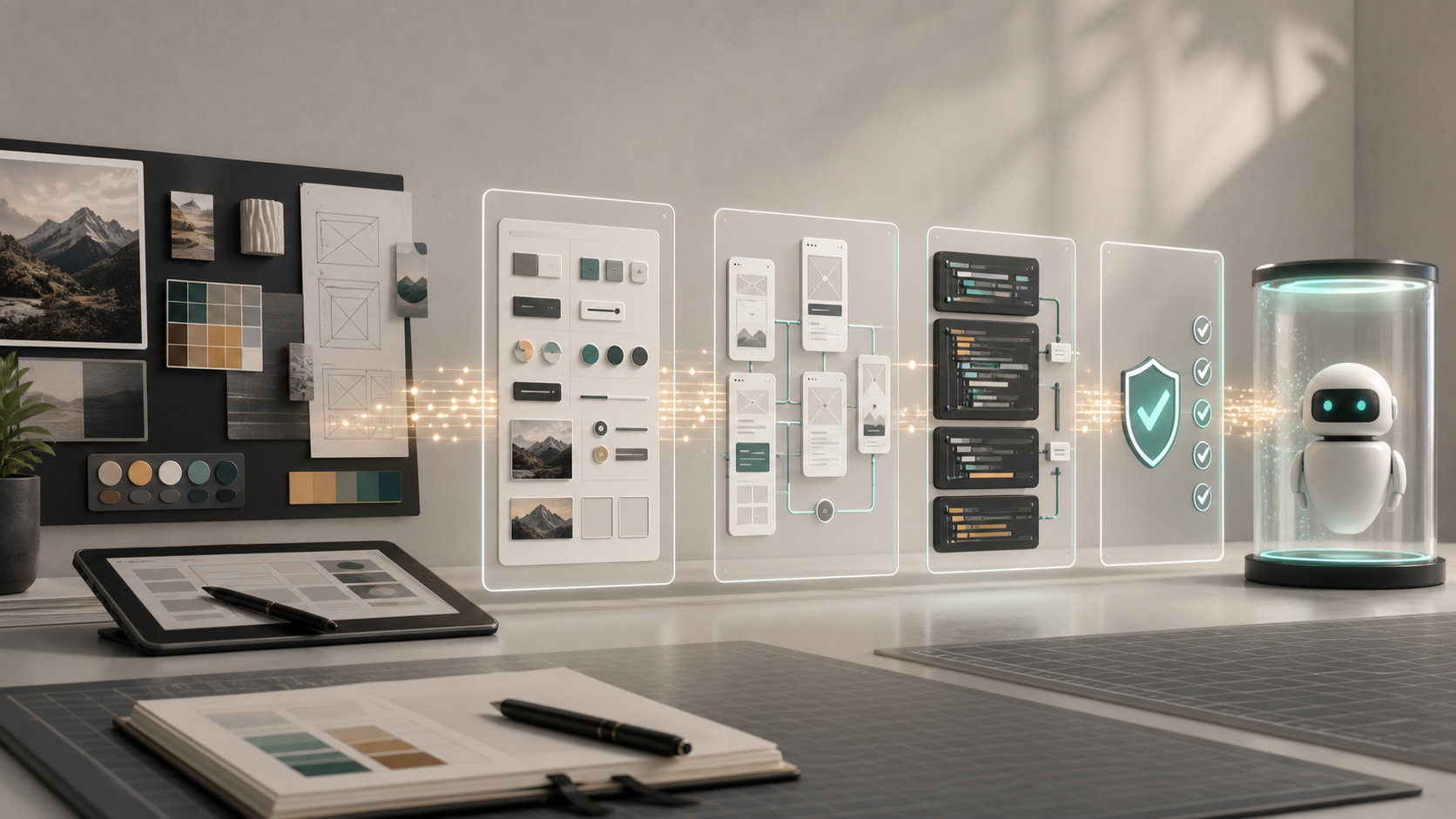
If you give huashu-design brand assets, it reads the logo, colors, screenshots, and UI tone. If you give it nothing, it falls back to built-in design styles and anti-AI-slop rules. On May 14, 2026, the project switched to the MIT license. For a skill like this, that matters because it lowers the cost of reuse. Other people can now modify it, plug it into their own systems, or build on top of it with less hesitation.
I do not find the “reverse-engineered Claude Design” angle very useful. It makes for a catchy story, but it flattens the work. A better way to say it is this: huashu-design translated the kind of high-quality visual output Claude Design showed into a workflow an agent can actually execute.
The useful lesson here is constraint.
The scary thing about AI design is not that the model cannot write code. It is that it is too willing to invent. It invents fake brand feeling. It invents glossy gradients that mean nothing. It invents rounded corners and shadows no one can justify. huashu-design is valuable not because it gives the model more freedom, but because it puts that freedom on rails: find the brand assets first, define the design language, self-check, then export.
Design taste used to sound like something you had to “just feel.” Now parts of that taste are turning into files, rules, and tests. An indie developer does not have to become a designer, but they do need to know which decisions should not be left to the model.
guizang-ppt-skill: A Designer Turning Judgment into Checklists
guizang-ppt-skill has a more everyday origin.
Guizang needed a slide deck for an offline talk. The deck had a strong personal style, and after the talk, people kept asking how it was made. That kind of feedback is better than most user research. People were not saying, “This direction has potential.” They were already asking to use it.
The project’s README says the skill came out of talks such as “One-Person Company: The Organization Folded by AI” and “A New Way of Working.” The mistakes and lessons from those decks were written into checklist.md.
That is more convincing than saying “ten years of design experience.” Experience only becomes useful to an agent when it is written down as something the agent can follow.
The project currently includes two visual systems. One is an electronic magazine / e-ink style, suited to narrative and opinion. The other is Swiss International Style, better for facts, products, and analysis. It supports single-file HTML decks, horizontal navigation, WebGL backgrounds, fixed layouts, image workflows, social covers for multiple platforms, and even a low-performance mode.
But the interesting part is not the feature list. The interesting part is the refusal.
The Swiss style is not just a CSS theme. The README is strict about it: body slides must use one of 22 named layouts, not a newly invented structure; there are four accent color sets, a 16-column grid, rectangular color blocks, 1px hairlines, no shadows, no gradients, and no rounded corners. Scripts catch problems such as centered titles, experimental layouts, text embedded inside SVGs, and images placed outside their slots.
In plain English, this does not mean “make it look more premium.” It means “do not improvise here.”
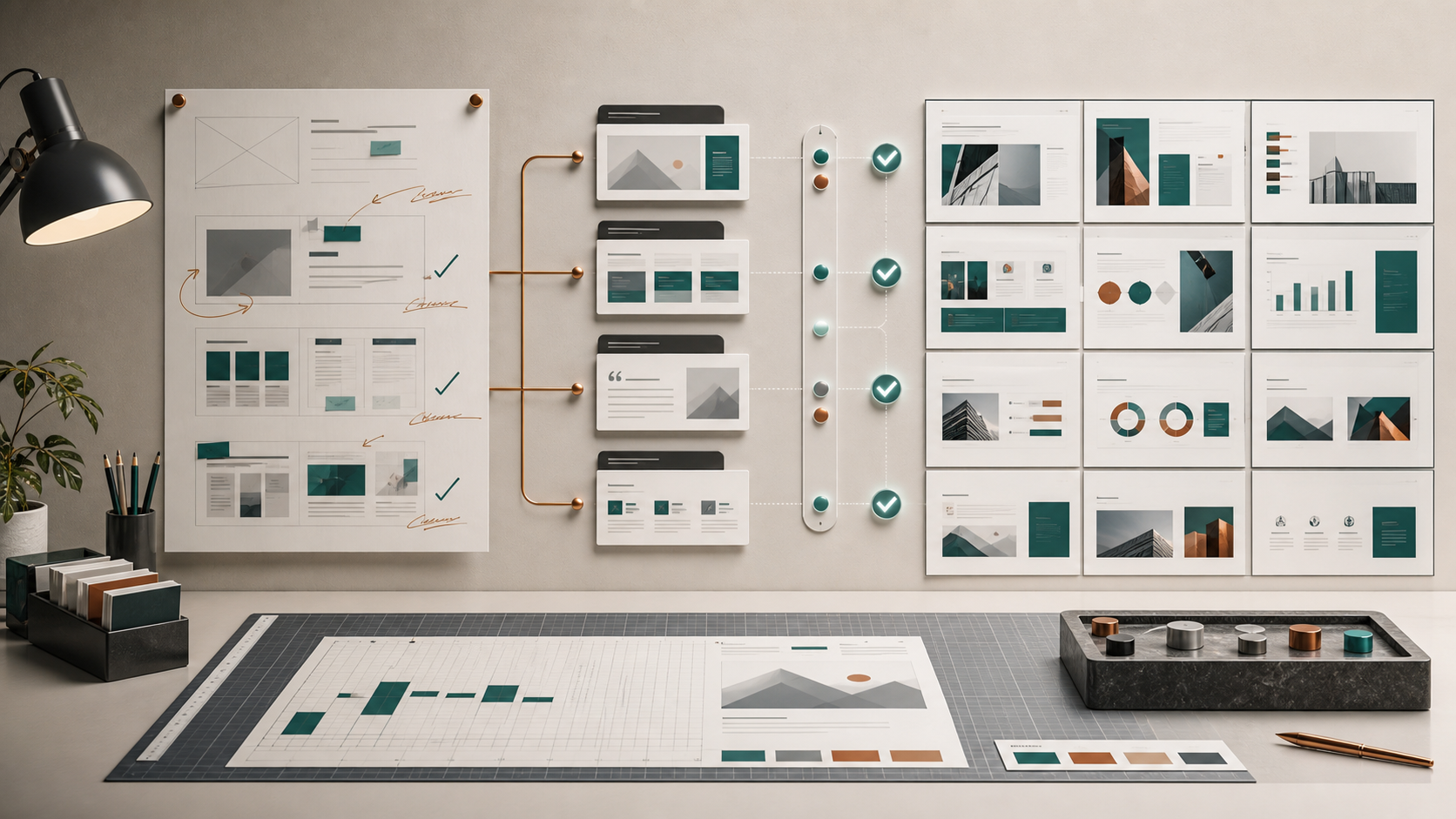
That is one of the new shapes of professional experience in the AI era. It is not only written as a tutorial. It becomes a guardrail. A good designer’s judgment used to live in their hands and eyes. Now some of it has to be compressed into templates, layouts, colors, forbidden moves, and validation scripts.
This also matters for people who do not write code. Not knowing how to code does not mean you cannot build tools. If your taste has clear boundaries, an agent can help translate those boundaries into code. The rare part is the boundary, not the syntax.
open-codesign: An Open Source Alternative Is Not Just a Free Clone
open-codesign may be the easiest of the four projects to underestimate.
Its pitch is simple: an Electron desktop app that turns natural-language prompts into HTML prototypes, PDFs, PPTX files, marketing assets, and other design artifacts. Its CLAUDE.md also lays down a few hard constraints: bring your own key, no default telemetry, no bundled model runtime, no direct provider SDKs inside the app code, and user credentials stored in local config.
That tells you the project is not only asking, “Can we generate design?” It is asking, “Who controls the process?”
Claude Design is a cloud product from Anthropic. The upside is obvious: it is integrated, smooth, and available by default. The downside is also obvious: the model, quota, data path, pricing, and product direction all sit somewhere else. open-codesign takes the opposite route: local-first, multiple providers, user-owned API keys.
Open source alternatives are often misunderstood as free versions of existing products. A better way to think about them is that they translate the same experience into a different control model.

Cloud becomes local. Closed source becomes open source. One model becomes many providers. Subscription quota becomes your own API key. The product idea is moved into a different relationship between the user and the system. That is the real point of open-codesign.
It may not be the project that ultimately gets the most attention. Open Design later became the louder name. But the first project to make a shape concrete often leaves behind useful default answers: desktop or web? How should the sandbox preview work? Which export formats matter? Should the agent’s process be visible? Once someone answers those questions in public, everyone after them moves faster.
Open source ecosystems often have projects like this. They do not always win, but they lay down the first stretch of road.
04 multica: The Problem Is Not Whether Agents Can Work, but How They Join a Team
If the first three projects are mostly about design artifacts, multica is looking at a different layer: how a team manages a group of agents.
Its README opens with a plain claim: turn coding agents into real teammates, assign them work, track progress, and preserve skills. It supports a long list of local CLIs, including Claude Code, Codex, GitHub Copilot CLI, OpenCode, Gemini, Cursor Agent, and Kimi. The Multica docs split the architecture into three parts: server, daemon, and AI coding tool.
That split makes the boundaries clear.
The Multica server handles workspaces, issues, members, task queues, and real-time updates. The daemon runs on your own machine, polls for tasks, and calls your local AI coding tool. The actual coding is still done by tools such as Claude Code or Codex. The docs also emphasize that agents do not run on Multica’s servers. They run on your machine. Your code, keys, and CPU stay with you.
The problem underneath this is very ordinary: once everyone on a team starts using agents, collaboration gets messy.
One engineer asks Claude Code to fix a bug locally. Another runs a refactor in Codex. A third posts an agent output screenshot into a chat thread. A few days later, nobody can reconstruct why a certain decision was made. The terminal has history, the chat has history, and the issue tracker has history, but they are not one system.
Multica is trying to fill that layer. It is not trying to be a smarter coding agent. It is trying to give agents a shared workbench: who is doing what, how far along it is, where it is blocked, what it produced, and whether the work can be reused next time.

This also lines up with the broader industry movement in April 2026. Anthropic announced Claude Managed Agents on April 8, and OpenAI introduced ChatGPT workspace agents on April 22. Both companies are moving toward agents that can run longer, collaborate more visibly, and be governed inside a workspace. Multica chooses a more neutral position: it is not a model company, and it does not write the code itself. It manages the layer where agents enter team workflows.
That is a smart place for an indie project to sit. It is hard to challenge Anthropic or OpenAI head-on, but there is room between them that neither company is naturally set up to own.
05 What These Four Projects Actually Have in Common
Looking at the four projects together, I do not think the useful common thread is “vibe coding.” The phrase is too broad. Almost anything can be shoved into it.
What they share is a set of more specific moves.
First, they treat existing products as requirement documents.
When Claude Design appeared, huashu-design and open-codesign did not start from a blank page and ask, “What should an AI design tool be?” They looked at a shape a large company had already put into the market, then translated it into their own implementation. Big companies spend money educating the market. Open source projects can move quickly after that and change who controls the experience.
Second, they write professional judgment into rules.
guizang-ppt-skill is not simply asking AI to “have better taste.” It defines fonts, layouts, colors, image slots, and validation scripts. huashu-design works in a similar way. The more fluent AI becomes at generating things, the more valuable it is to know what it should not generate.
Third, they turn internal pain into tools first.
Many of these projects do not begin with “I want to start a company.” They begin with “I am tired of doing this by hand.” Slide decks need too much polishing. Design drafts need too much tweaking. Agent outputs need too much copying. Team tasks need too much human chasing. These pains are small, but once they are written into a tool, they can meet a much larger need.
Fourth, open source becomes distribution.
MIT, Apache 2.0, bring-your-own-key, local-first: these sound like licenses and deployment choices, but they are also distribution strategies. Open source lets people use, modify, and connect a project before anyone has to be sold on it. Commercial value may not come from the code itself. It may come from hosting, runtime, template libraries, team collaboration, or enterprise support.
Fifth, speed comes from reuse, not adrenaline.
Building something in a few days sounds like a burst of energy. In reality, the speed usually comes from materials that have been accumulating for a long time: old projects, agent memory, templates, scripts, checklists, and mistakes already paid for. Fast builders are rarely starting from zero. They have shelves full of half-finished frames.
RememberThe Part I Want to Remember
These four projects do not make me think, “Everyone is going to become a programmer.” That sentence is too blunt to be useful.
A more accurate way to put it is this: more people’s professional experience will be forced to become machine-executable.
A designer’s experience becomes templates and validation scripts. A developer’s workflow becomes daemons and issue lifecycles. A product person’s competitor analysis becomes a reusable translation method. A creator’s style becomes agent memory and constraint files.
That is exciting, but also a little harsh.
It is exciting because one person really can now build things that used to require a small team. It is harsh because if your experience only lives at the level of “I just feel this is better,” it is hard for an agent to reuse. You have to explain it, write it down, turn it into rules, and ideally run it through a process.
Open Design is a good signal because it stacks the four projects together. The relay in AI open source is getting shorter. One person turns a workflow into a skill. Another puts it inside a desktop app. A third turns it into a web workspace. A fourth connects the runtime to team collaboration.
Each person solves one small piece. Put enough small pieces together, and the speed of building products changes.
That may be the most useful thing for indie developers to study right now. Not “what is the next big opportunity?” but “what piece of my own experience can be compressed into something other people can call?”
If the answer is yes, it is no longer just experience.
It becomes something others can build on.
RefsReferences
- Anthropic: Introducing Claude Design by Anthropic Labs
- Anthropic: Claude Managed Agents
- OpenAI: Introducing workspace agents in ChatGPT
- GitHub: alchaincyf/huashu-design
- GitHub: op7418/guizang-ppt-skill
- GitHub: OpenCoworkAI/open-codesign
- GitHub: multica-ai/multica
- Multica Docs: How Multica works
- Open Design: What Open Design composed from
Publishing note: if WeChat blocks pasted images, upload the cover and body images manually in the order listed in the publish notes.