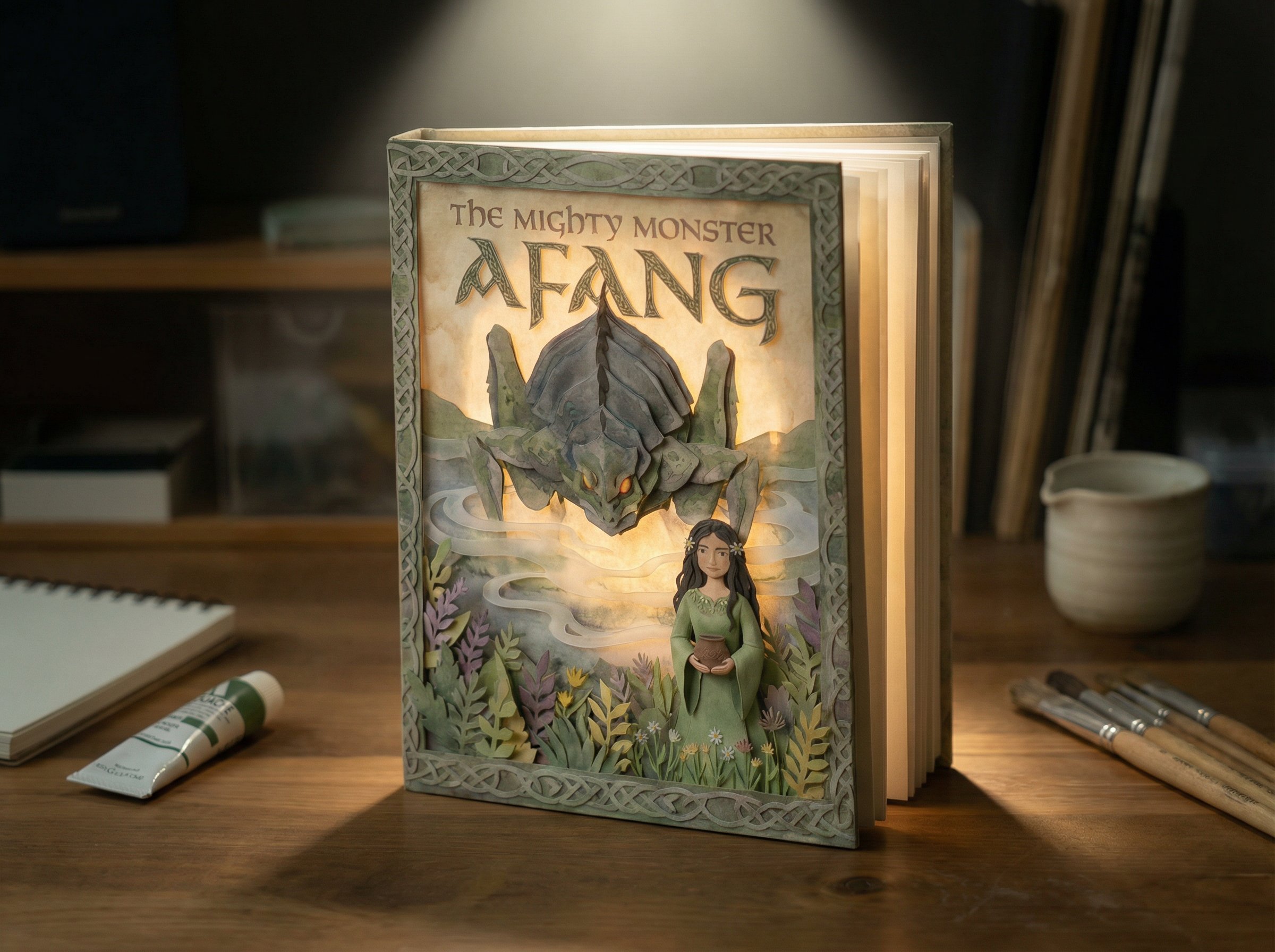
AI Paper Cut-Out Storybook Videos: A Complete 9-Phase Production Workflow
February 4, 2026 · Tech Guides
This article distills a long X thread by Glenn Williams into a repeatable, production-ready workflow for creating AI storybook films that do not look AI-generated. If your goal is tactile paper textures, consistent characters, gentle stop-motion movement, and page-turn rhythm, this is the complete path from raw prompts to final cut.
You will get:
- A 9-phase workflow with exact prompt templates
- Clear rules for consistency, pacing, and texture
- A minimal version if you want to ship something fast
- A file organization system that prevents chaos
Source thread: https://x.com/GlennHasABeard/status/2018670793555587339
1) Define the Final Output Before You Touch a Prompt
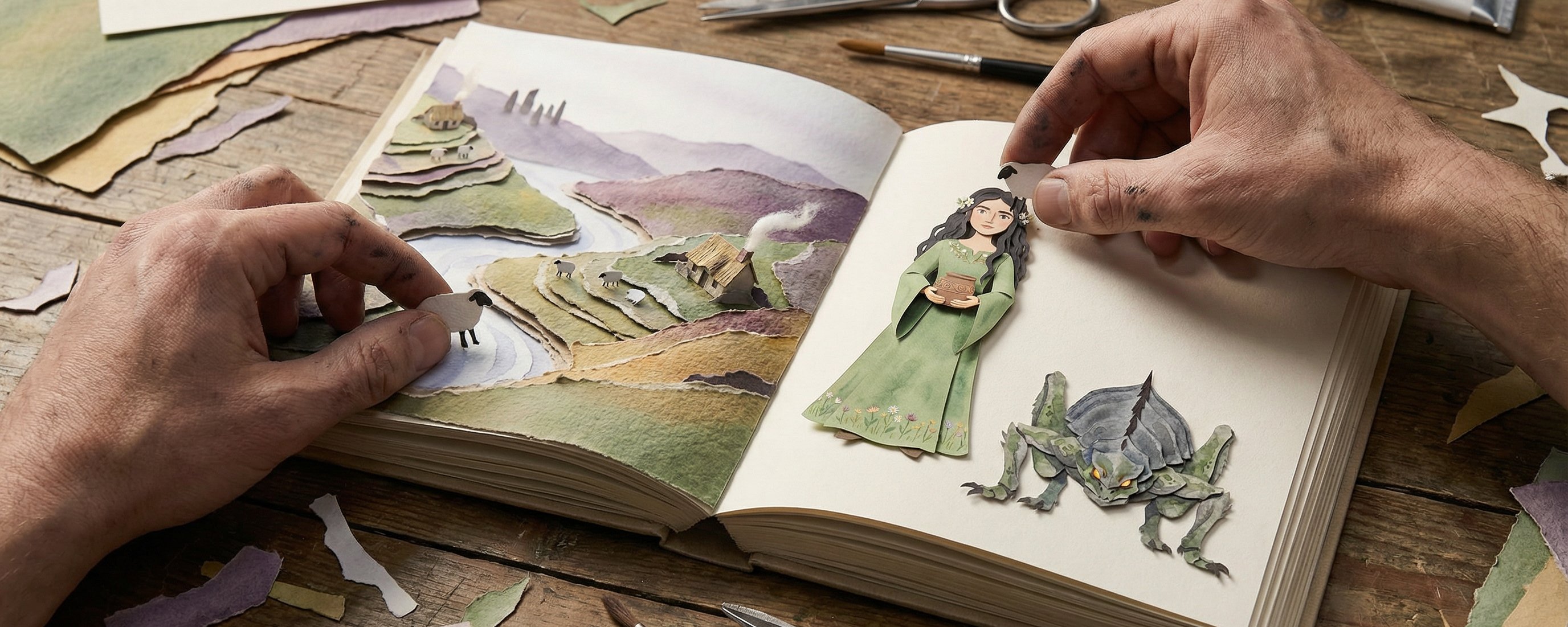
The end product is not a 15-second flashy montage. It is a 2–3 minute storybook film that feels handmade:
- The viewer sees a physical book lying open.
- The camera slowly pushes into a page.
- The scene moves subtly (mist, smoke, water)
- The camera pulls back to the book.
- A page turns and the story continues.
This is a very specific visual language. If you chase cinematic motion or hyper-smooth animation, the illusion breaks.
Three non-negotiables:
- Paper texture (paper fibers, layered cut-outs)
- Consistency (characters must not drift)
- Book rhythm (page turns and zooms create structure)
If you anchor every decision to those three, the final film will feel crafted, not synthetic.
2) Tool Stack: One Tool Per Stage, No Redundancy
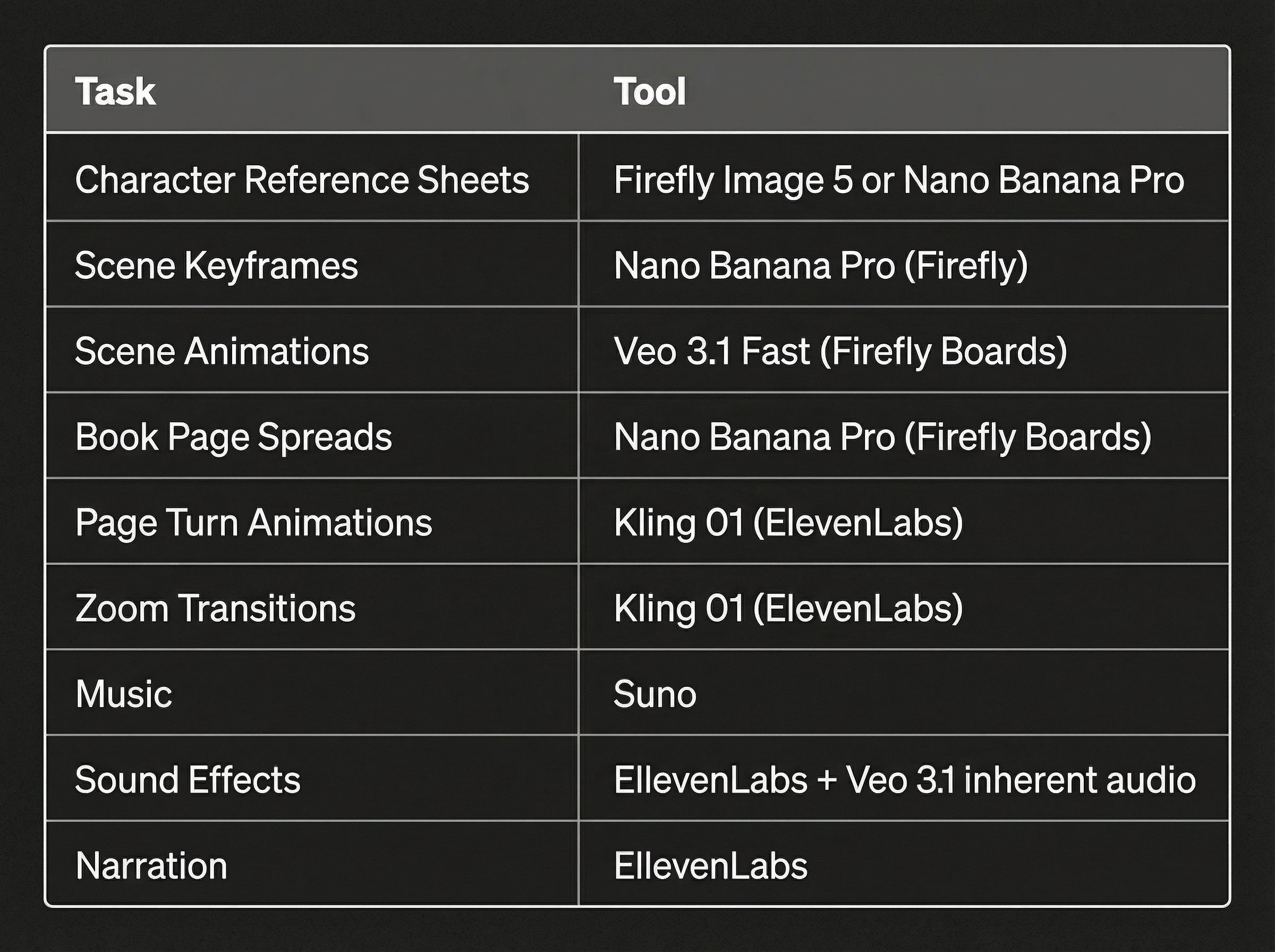
The fastest way to drift into messy results is to switch tools midstream. Glenn’s workflow assigns one tool per phase:
- Adobe Firefly (Boards): character sheets, keyframes, book spreads
- Veo 3.1 Fast (in Boards): scene animations
- Kling 01 (via ElevenLabs): page turns + zoom transitions
- ElevenLabs: narration and SFX
- Suno: music
- Premiere Pro: final edit
This keeps your style consistent and stops you from “style hopping.”
3) Phase 1 — Character Reference Sheets (Consistency Foundation)
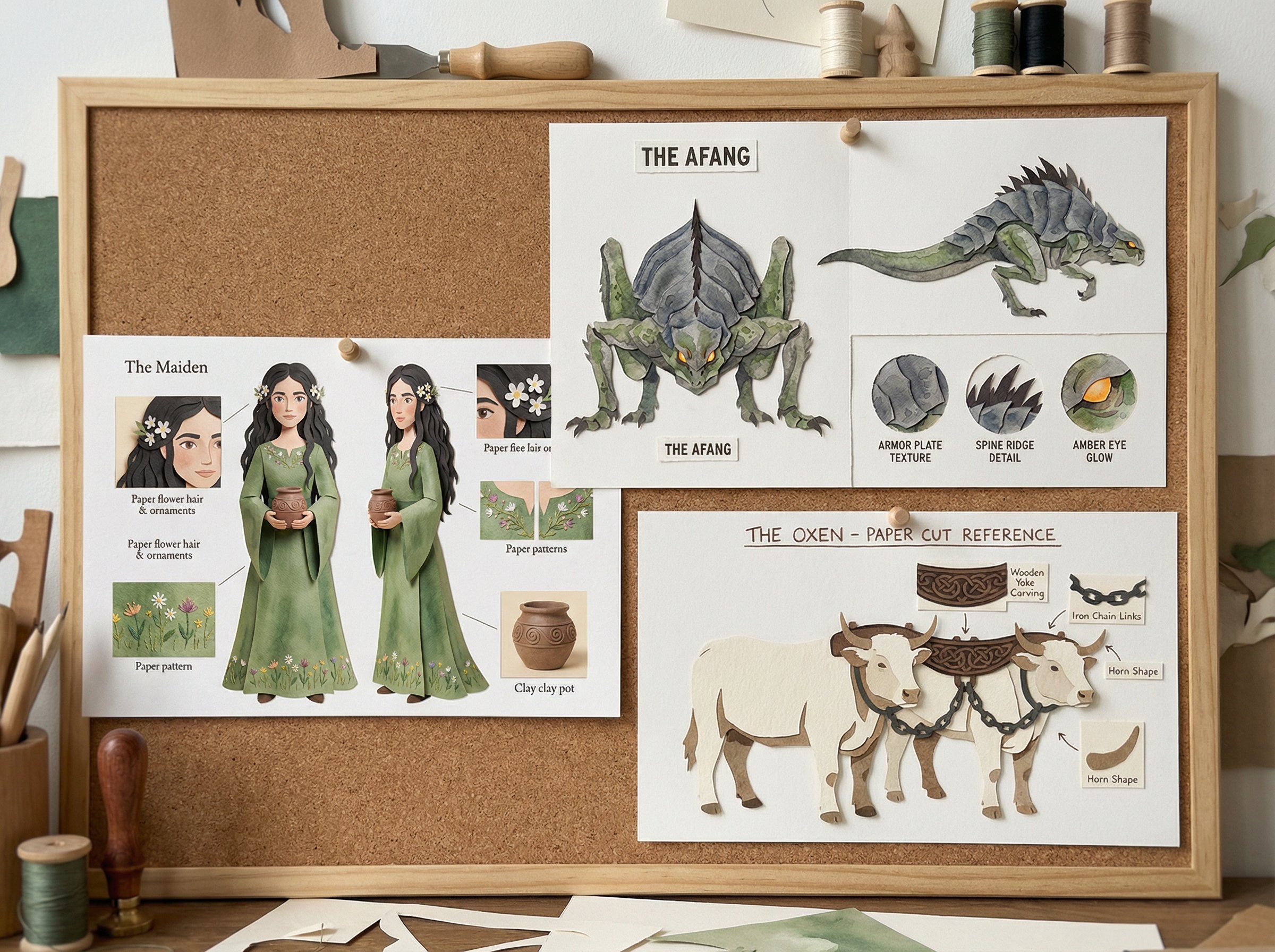
You cannot cheat this step. Without reference sheets, your characters will morph every scene.
3.1 Base Character Sheet Template
8K, hyper-realistic photography of layered paper character reference sheet, hand-cut paper [CHARACTER DESCRIPTION] shown in [VIEWS], [SPECIFIC DETAILS], detail callouts showing [CALLOUT ELEMENTS], watercolor textures in [COLORS], visible paper fibers, plain [BACKGROUND COLOR] background, stop-motion paper cut-out look, soft even diffused lighting, crafted collage aesthetic, character design reference sheet
Swap the bracketed fields for your character details. Keep the structure identical for every character.
3.2 Standard Negative Prompt
photorealistic skin, modern clothing, harsh lighting, hard shadows, digital textures, plastic, glossy, metallic, 3D rendered, CGI, neon colors, text, logos, multiple characters, busy background
3.3 Consistency Markers (Write Them Down)
Pick 4–6 visual anchors that must appear in every shot:
- Signature color palette
- Hair style + accessory
- Identifying prop
- Distinctive expression
- Material texture (paper fiber)
If you lose these, the audience loses the character.
4) Phase 2 — Scene Keyframes (The Static Spine)
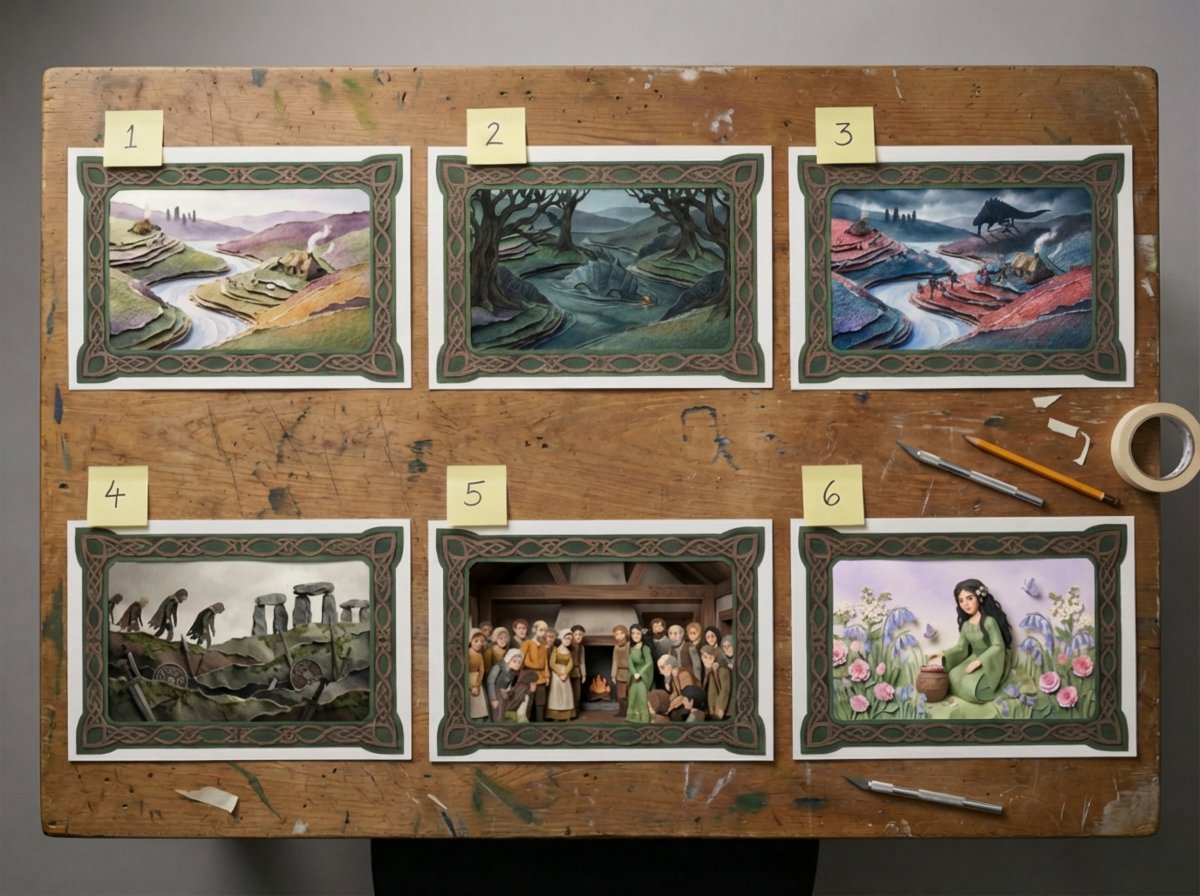
Every animation in the film is built on static keyframes. They are the paintings that later “breathe.”
4.1 Keyframe Template
8K, hyper-realistic photography of layered paper [SETTING], hand-cut paper [CHARACTERS], watercolor textures, visible paper fibers, dimensional stacked paper layers, stop-motion paper cut-out look, soft diffused lighting, gentle shadows between layers, crafted collage aesthetic, warm storybook tone
4.2 Cultural Modifiers (Style Vocabulary)
If your story has cultural roots, you need a fixed vocabulary. For a Welsh folktale, Glenn used:
- Celtic knotwork border patterns
- Mossy greens, stone grays, heather purples
- Weathered parchment textures
- Spiral and triskele motifs
Think of modifiers as a palette and grammar your story speaks in. Every scene must speak the same language.
4.3 A/B Keyframes
Some scenes require transformation (e.g., a monster emerging). Make two versions:
- A: before change
- B: after change
The animation becomes a transition between A and B rather than a new generation.
5) Phase 3 — Scene Animations (Subtle Motion Only)
The goal here is not spectacle. It is gentle, handcrafted movement.
5.1 Core Rules
- Keep motion slow and environmental
- Avoid camera movement
- Maintain paper texture at all times
- Use stop-motion pacing (slightly stuttered, not fluid)
5.2 Single Keyframe Animation Prompt
{ "prompt": "Gentle environmental movement only. Paper smoke wisps drift lazily from cottage chimneys. Paper sheep shift slightly on hillsides. Misty layers drift slowly. All elements maintain paper cut-out texture. No character movement. No camera movement.", "negative_prompt": "fast movement, camera shake, morphing, distortion, smooth animation, 3D movement, character walking, running, dramatic action", "reference_image": "[Scene 1 keyframe]", "motion_intensity": "subtle", "duration": "5 seconds", "sound_design": "soft wind through valley, distant sheep bells, faint birdsong, crackling hearth fire undertone" }
5.3 A/B Animation Prompt
{ "prompt": "Dramatic paper cut-out emergence. Monster rises from water in stop-motion style. Water splashes as layered paper shapes. Armored plates catch light as creature surfaces. Maintain paper fiber textures throughout. Movement should feel handcrafted, not fluid.", "negative_prompt": "smooth fluid motion, morphing transformation, camera shake, modern effects, CGI movement, fast action", "reference_image_start": "[Scene 8A keyframe]", "reference_image_end": "[Scene 8B keyframe]", "motion_intensity": "moderate", "duration": "5 seconds", "sound_design": "deep water churning, heavy splashing, low rumbling growl, dripping water echoes" }
6) Phase 4 — Book Spreads (The Storybook Frame)
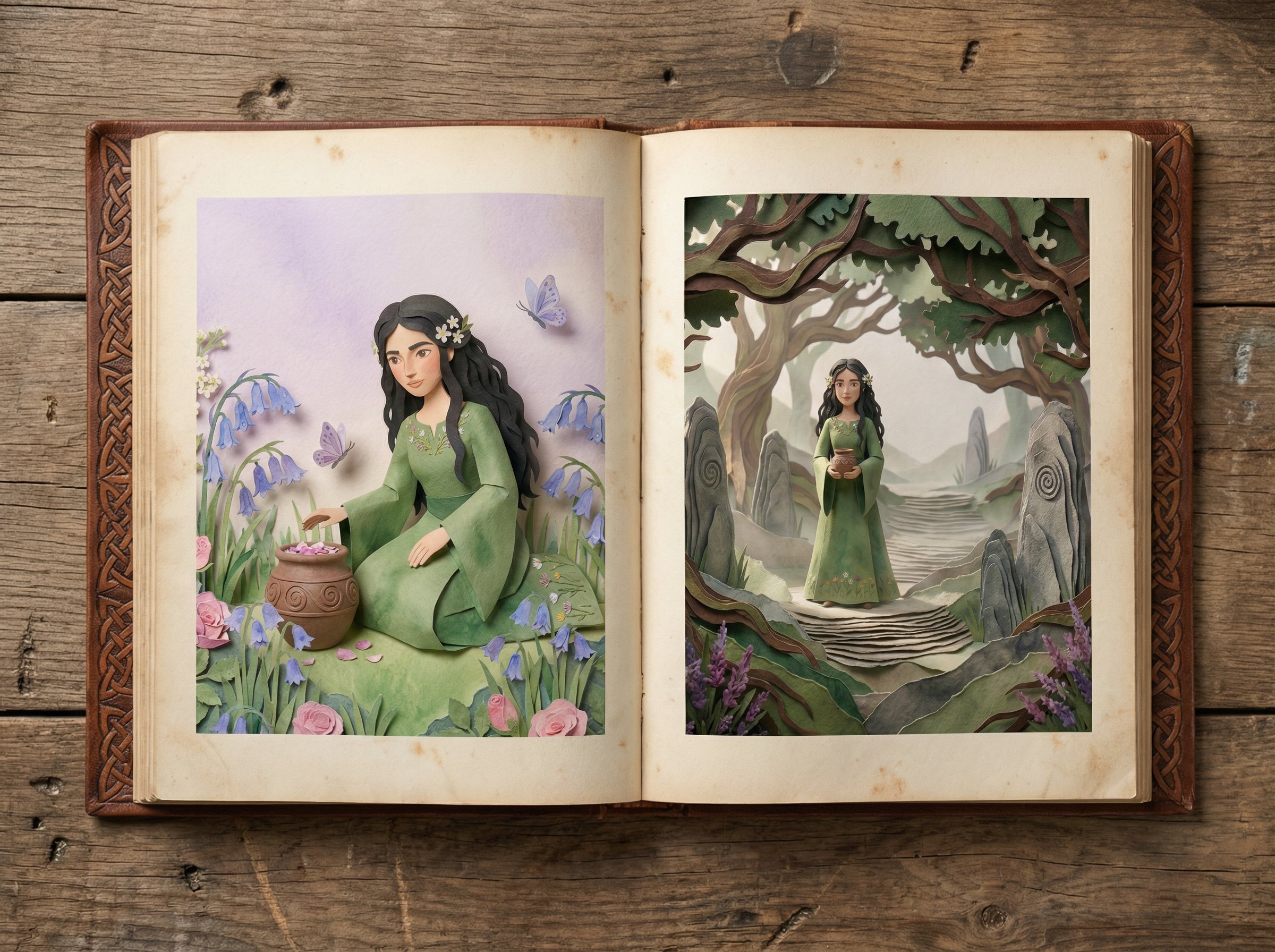
This is where individual scenes become a book. Generate a single base book image and composite all scenes into that frame.
6.1 Base Book Prompt
8K, hyper-realistic photography of vintage open storybook lying flat on weathered wooden art table, cream-colored aged pages with subtle foxing and worn edges, hand-tooled leather cover with Celtic knotwork embossing visible on spine and corners, book lies completely flat and still, soft diffused overhead lighting, gentle shadows from book thickness, warm nostalgic atmosphere, no text on pages, pages ready for illustration
6.2 Book Spread Composite Template
{ "prompt": "Open storybook on wooden art table, pages lying flat and completely still", "left_page": "replace with [KEYFRAME A], fill entire left page", "right_page": "replace with [KEYFRAME B], fill entire right page" }
If your story has 11 scenes, you will likely produce 20+ spreads. This is normal.
7) Phase 5 — Page Turns (The Rhythm Connector)
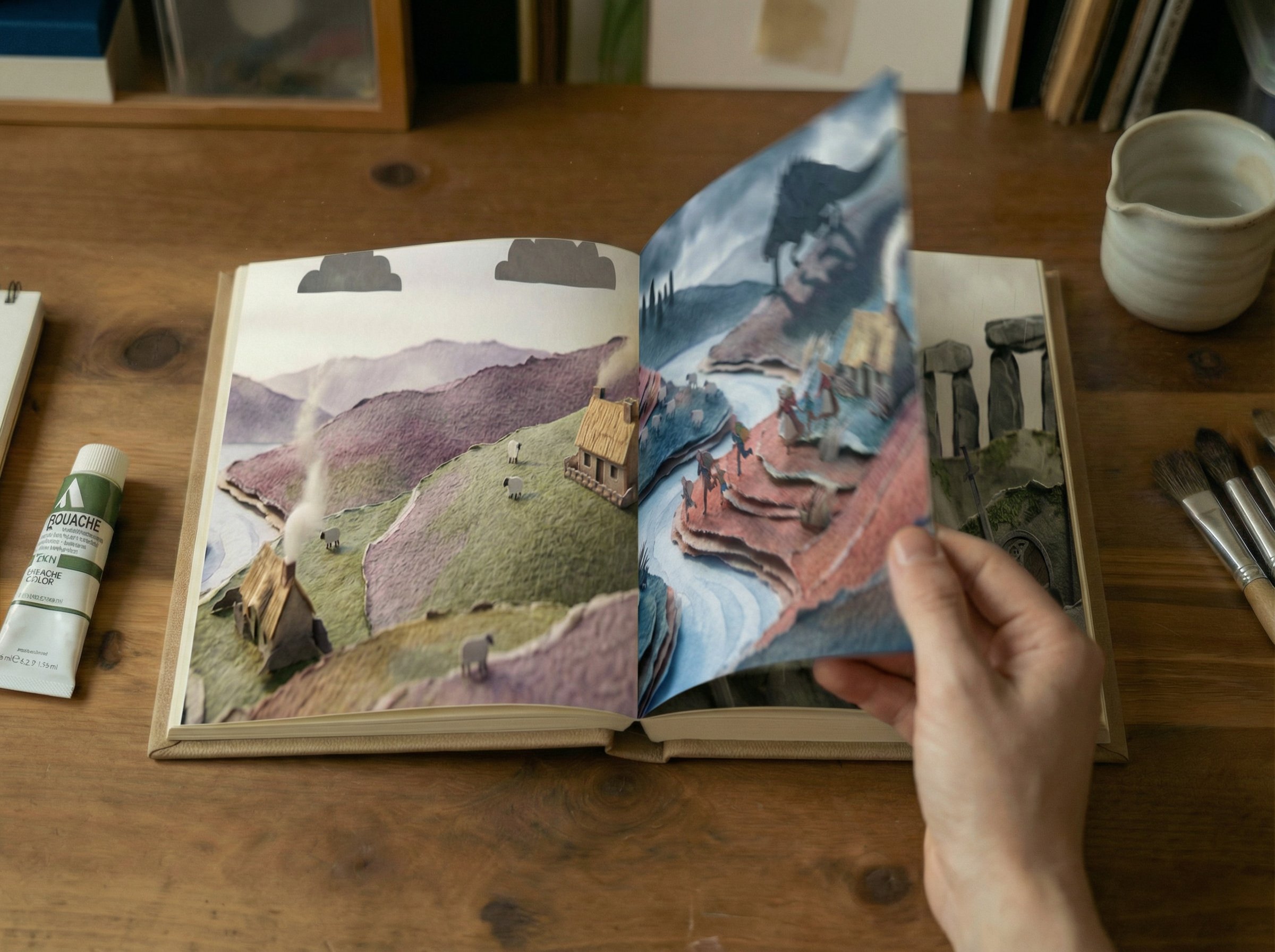
Page turns are the connective tissue. They create breathing space between scenes.
7.1 Page Turn Prompt
{ "prompt": "right page turn" }
7.2 Consistency Rules
- Same speed
- Same lighting
- Same tabletop background
8) Phase 6 — Zoom Transitions (Entering and Exiting the Story)
Zooms turn static book spreads into immersive scenes.
8.1 Zoom Prompt
{ "prompt": "Slow camera dolly in, static scene", "motion": "slow", "speed": "slow" }
8.2 Key Guidelines
- Zoom in to enter the scene
- Zoom out to return to the book
- The scene remains static during the zoom
Without zooms, the video becomes a slideshow. With zooms, it becomes a story.
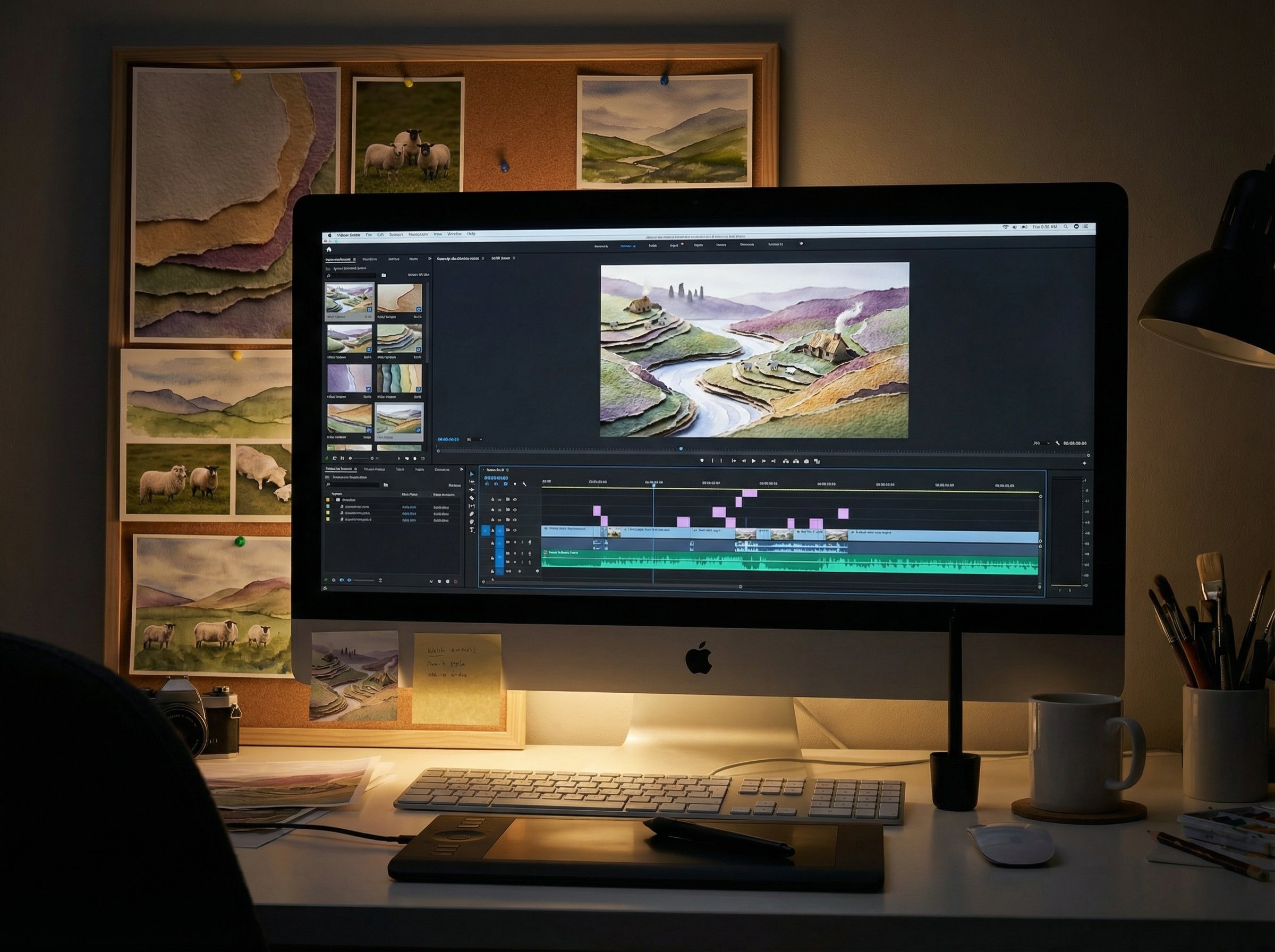
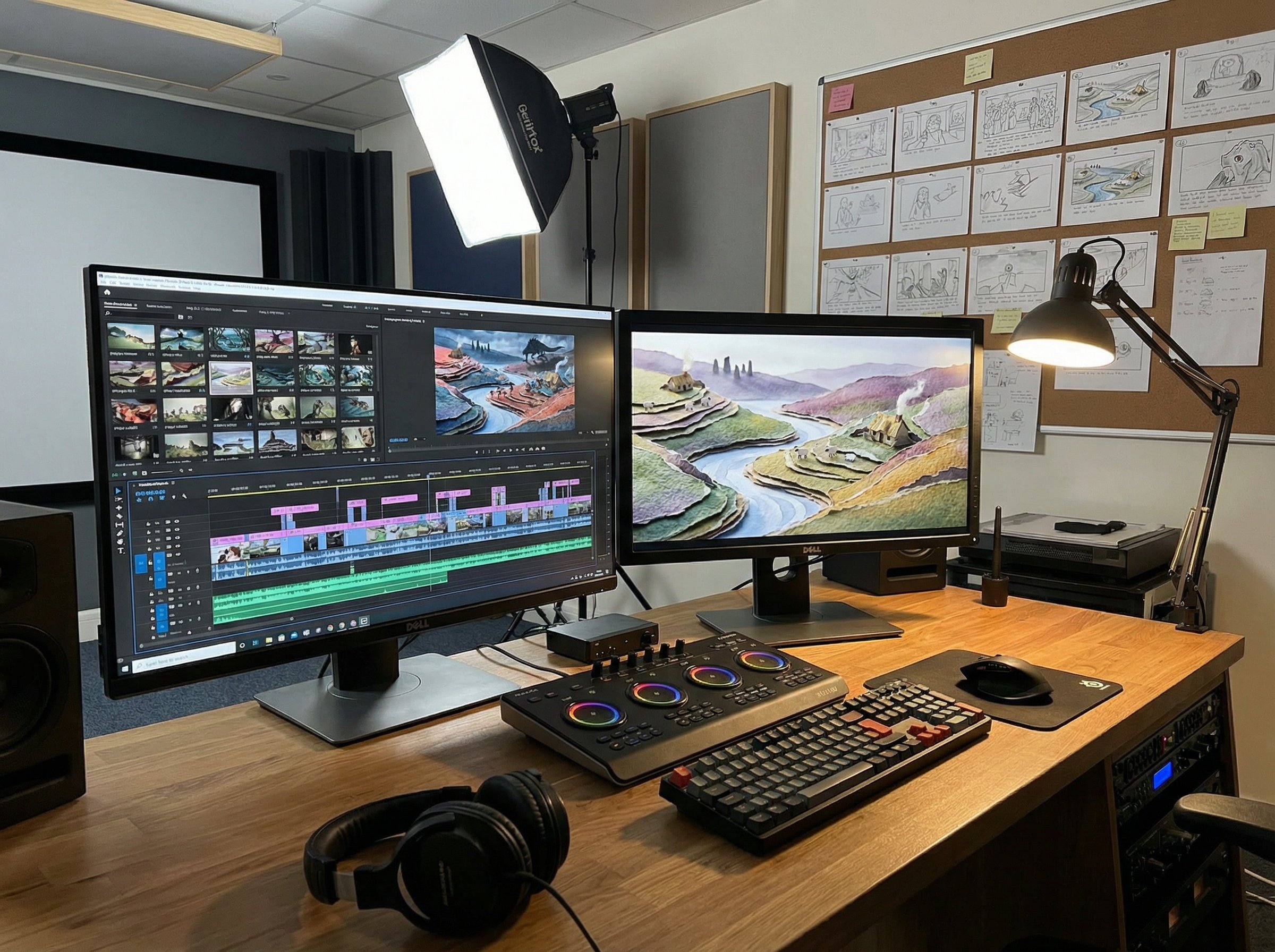
9) Phase 7 — Premiere Pro Assembly
The edit is a repeatable pattern. Each scene follows this structure:
[Book Spread] -> [Zoom In] -> [Scene Animation] -> [Zoom Out] -> [Page Turn]
Two important pacing rules:
- Start narration only after zoom-in completes
- End narration before zoom-out begins, leaving a small breath
10) Phase 8 — Sound Design (Music + Narration + SFX)
Audio is half the illusion. The paper needs to sound like paper.
10.1 Music (Suno)
Generate a single continuous track. Avoid per-scene tracks. This keeps emotional consistency.
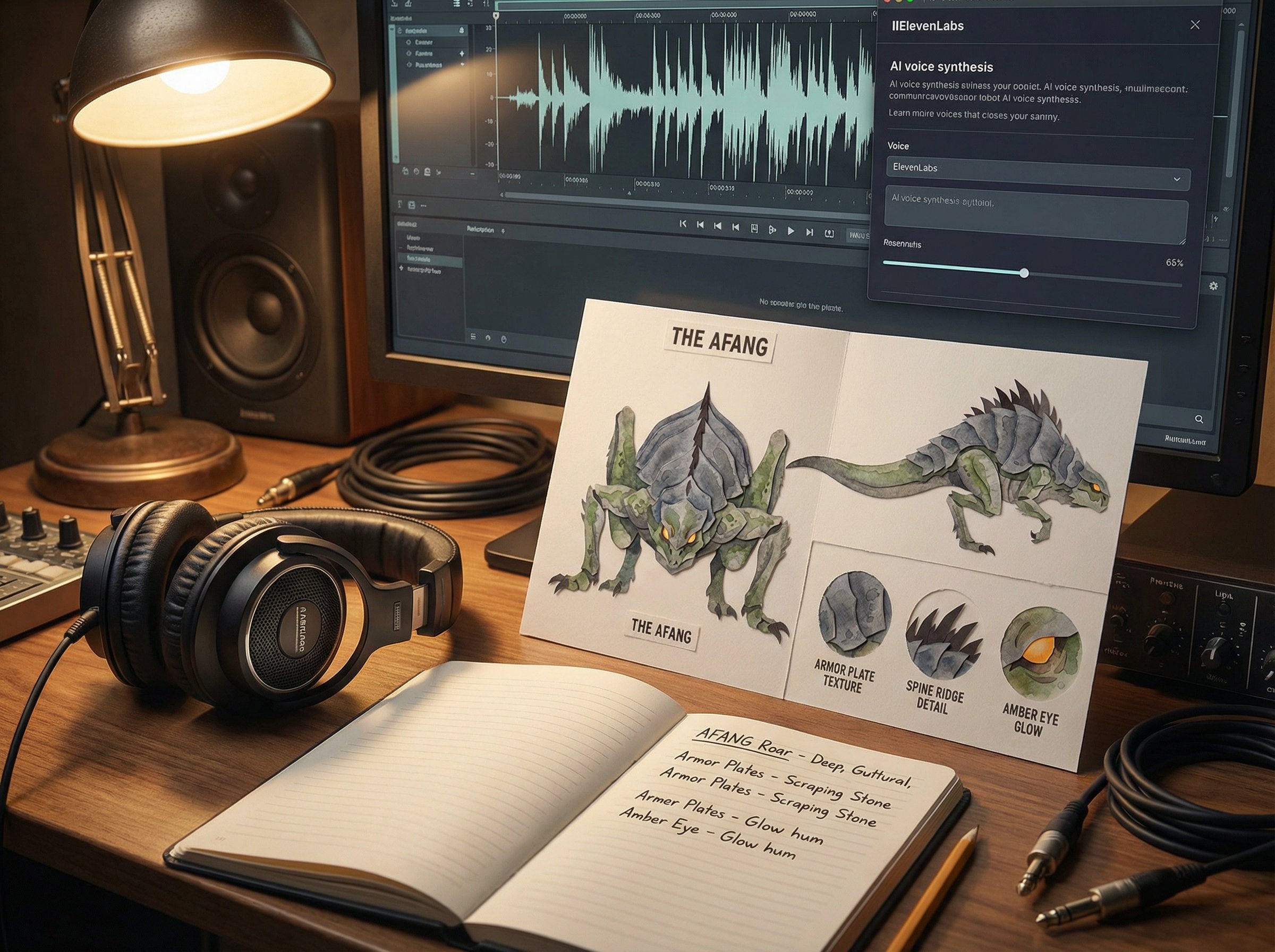
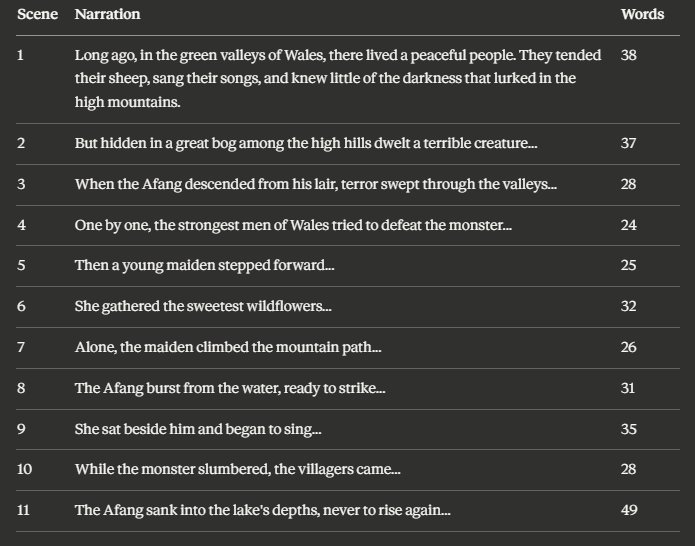
10.2 Narration (ElevenLabs)
Use a warm storyteller voice. Avoid polished audiobook tone. The goal is fireside, not studio.
10.3 SFX
- Keep the inherent audio from Veo (paper texture, ambient sound)
- Layer specific effects (page turns, water, monster)
11) Phase 9 — Export Settings
Use reliable, standard output:
- Format: H.264
- Resolution: 4K or 1080p
- Frame Rate: 24 or 30 fps
- Audio: AAC 320kbps
Stability matters more than bleeding-edge codec experimentation.
12) Full Production Checklist (Copy/Paste)
Characters
- [ ] Create reference sheets for each character
- [ ] Define consistency markers (color, props, silhouette)
Scenes
- [ ] Generate all scene keyframes
- [ ] Generate A/B keyframes where transformation is needed
Animation + Book
- [ ] Animate each scene (single or A/B)
- [ ] Generate book spreads
- [ ] Generate page turns
- [ ] Generate zoom transitions
Audio
- [ ] Music track (Suno)
- [ ] Narration (ElevenLabs)
- [ ] SFX pass
Edit
- [ ] Assemble timeline in Premiere
- [ ] Sync narration with zooms
- [ ] Export final video
13) Common Failure Points and Fixes
13.1 Character Drift
Cause: No fixed reference sheet or markers.
Fix: Every prompt repeats your markers. Do not rely on memory.
13.2 Paper Texture Looks Digital
Cause: Weak negative prompts.
Fix: Add “visible paper fibers / layered paper / hand-cut paper / stop-motion paper cut-out look.”
13.3 Page Turns Feel Inconsistent
Cause: Different book base or lighting.
Fix: Use the same base book image and same tabletop lighting for all turns.
13.4 Motion Feels Too Fast
Cause: Default speed or camera motion.
Fix: Force “subtle / slow / no camera movement.”
14) Reusable Prompt Library
14.1 Paper Texture Base
hand-cut paper, layered paper, visible paper fibers, watercolor textures, stop-motion paper cut-out look, soft diffused lighting, gentle shadows between layers, crafted collage aesthetic
14.2 Storybook Base
vintage open storybook, aged pages, subtle foxing, weathered wooden art table, warm nostalgic atmosphere, no text on pages
14.3 Universal Negative Prompt
photorealistic, modern objects, harsh lighting, hard shadows, digital textures, plastic, glossy, metallic, 3D rendered, CGI, neon colors, text, logos, camera shake, morphing, distortion
14.4 Gentle Motion Template
Gentle environmental movement only. Mist shifts slowly. Smoke drifts. Maintain paper texture. No character movement. No camera movement.
15) A 3-Day Production Schedule (Realistic, Ship-Ready)
If you want a deadline, this is the fastest stable schedule for a 2–3 minute film:
Day 1 — Design + Keyframes
- Build character sheets
- List 8–12 scenes
- Generate all keyframes (plus A/B where needed)
Day 2 — Animation + Book
- Animate all scenes
- Create book spreads
- Generate page turns and zoom transitions
Day 3 — Audio + Edit
- Write narration and record
- Generate music
- Assemble and export
This structure prevents “image generation spiral” and gets you to an actual film.
16) File Organization (So You Don’t Lose Your Mind)
project/
  01-characters/
    hero-sheet.png
    villain-sheet.png
  02-keyframes/
    scene-01.png
    scene-02.png
    scene-08a.png
    scene-08b.png
  03-animations/
    scene-01.mp4
    scene-02.mp4
    scene-08.mp4
  04-book-spreads/
    spread-01.png
    spread-02.png
  05-transitions/
    page-turn-01.mp4
    zoom-in-01.mp4
    zoom-out-01.mp4
  06-audio/
    music.mp3
    narration.wav
    sfx/
  07-edit/
    premiere-project.prproj
Keep names consistent. Your future self will thank you.
17) FAQ
Q1: Can I use Midjourney or SDXL instead of Firefly?
Yes, if you can maintain the same paper texture consistency. The tool is secondary to style stability.
Q2: Do I really need book spreads?
If you want “storybook” rather than “gallery,” yes. The book frame is the entire narrative device.
Q3: Can I skip zoom transitions?
You can, but the film becomes a slideshow. Zooms provide immersion.
Q4: Is narration mandatory?
No, but it adds meaning. Without narration, it becomes aesthetic-only content.
18) Minimal Version (If You Just Want to Ship Something)
If you want a proof-of-concept:
- Do 3 scenes only
- Use single keyframes (no A/B)
- Use 2 page turns
- Use one continuous music track
You will end up with a 60–90 second film, which is enough to validate the pipeline.
19) Final Thoughts: This Is a Production Line, Not a Trick
Once you finish your first full pipeline, the second takes half the time, and the third takes a quarter. That’s the real power of this approach: it turns AI from experimentation into a repeatable production system.
Reuse your templates. Reuse your book spreads. Reuse your workflow. That’s how “storybook animation” becomes a series, not a one-off.